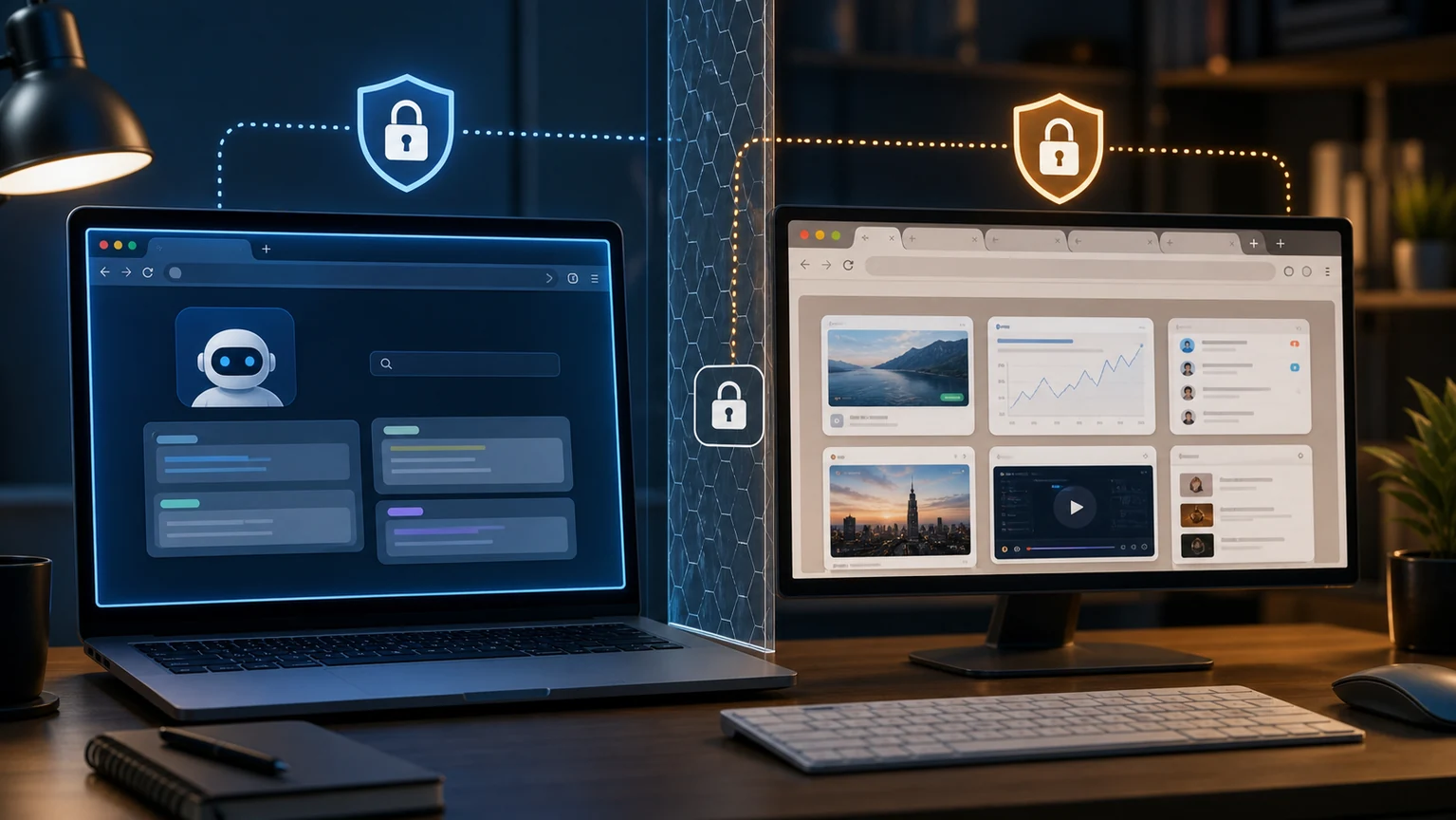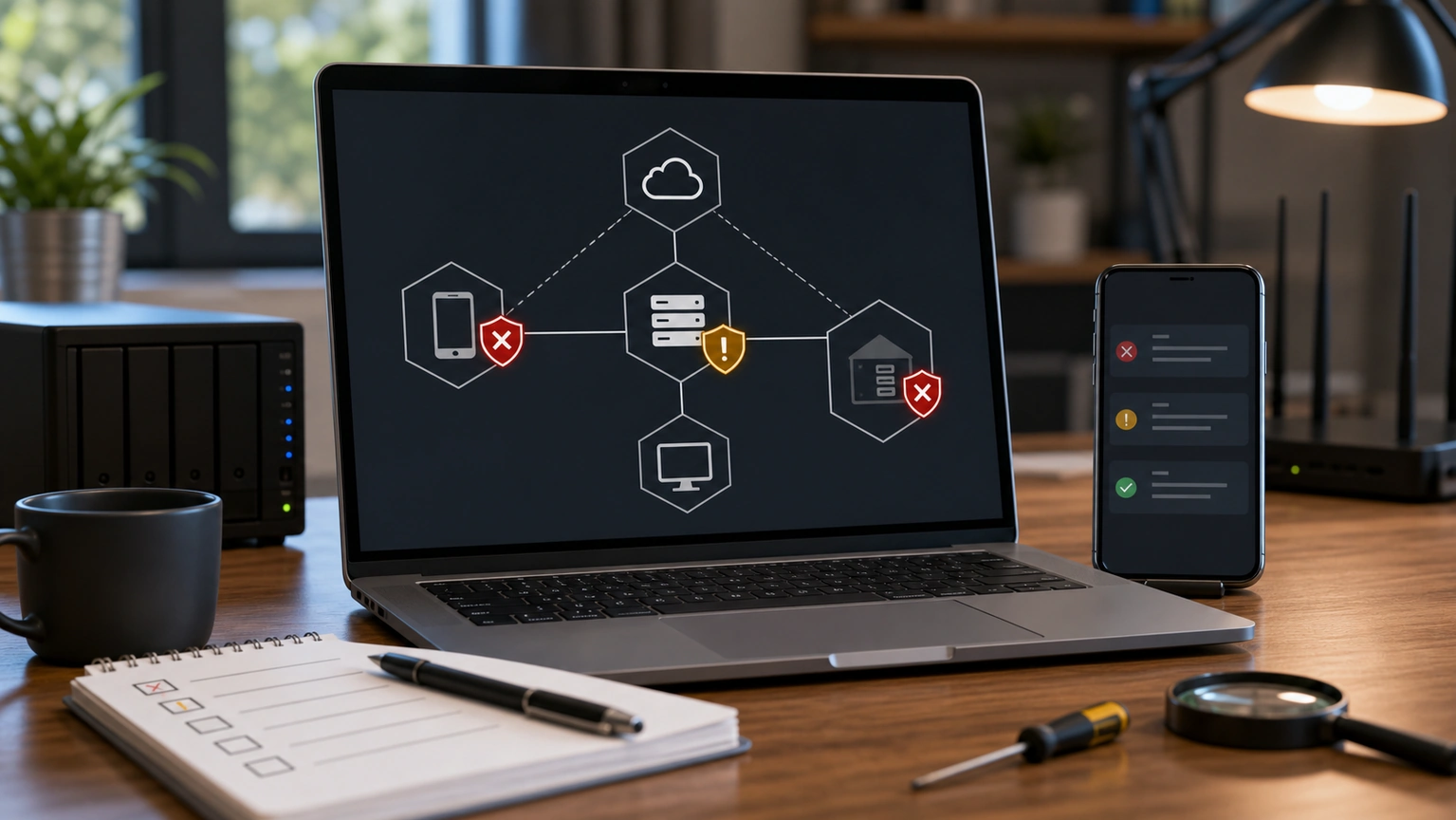
OpenClaw's accessGroup is set up but the permissions remain unchanged. First, check if it is actually referenced by a channel, account, or policy. accessGroup itself is just a reusable list and does not automatically block all messages just because they exist; It doesn't hang on the entry configuration; it's basically just a backup list.
Don't judge permissions by nickname
It's best to use a platform-stable ID for the permission list, rather than user nicknames, group names, or note names. Nicknames can change, group names can change, and even users with the same name may appear. To check "why someone can still use it," compare it to the sender ID received by the Gateway to see if it is in the allowlist or some referenced accessGroup.
Common mismatches
One is that accessGroup is only referenced in the DM policy, and not in the group chat policy, so private chats are blocked but can still be triggered in the group. The other is to write accessGroup in the global configuration but forget that the specific channel has its own override rules. There's also a more covert approach: multiple platforms reuse the seemingly identical user identifier but have different namespaces, so Telegram's user ID cannot be directly used as Slack's user ID.
In practice, first select a minimum entry point for testing, such as keeping only your private chat, then gradually add groups, platforms, and agents. Do not change the access group while simultaneously changing the tool profile and model configuration; When there are too many variables, it's hard to determine which layer is at play. Before opening OpenClaw to the public, at least one four-group test was conducted: "allowing users, strangers, group members, and removed users."