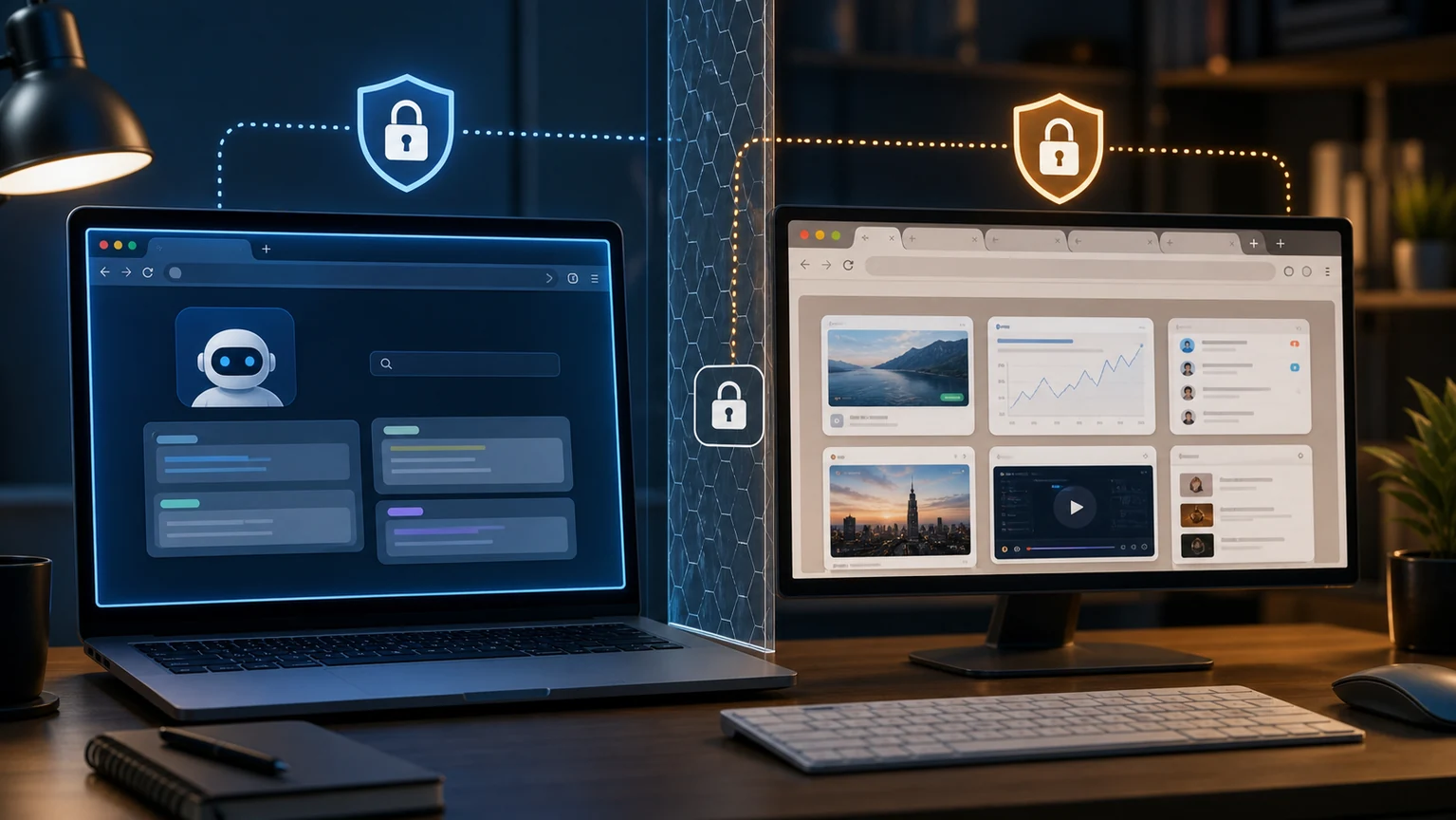
If you open an OpenClaw webpage but can't see which site you've logged into, it's usually not because your browser is broken, but because the isolated 'openclaw' profile is used. The meaning of this profile is to separate the Agent browser from your daily Chrome browser; If you need it to operate a logged-in personal browser, clearly switch to the 'user' profile and accept the corresponding permission risks.
The two profiles are suitable for different scenarios
The 'openclaw' profile is better suited for testing web pages, registering temporary accounts, and running public page automation. It's clean, manageable, and won't touch your private cookies. The downside is straightforward: it can't see your usual login status in the browser.
The 'user' profile is suitable for handling backend, email, console, or internal systems that require login. It can connect to real user browsers, but this also means the Agent has higher permissions to see the web pages. This mode should not be used for unfamiliar groups, public robots, or unrestricted remote entrances.
Check three points during inspection
First, check whether the current tool is connected to a standalone profile or the user's Chrome; Second, check if your Chrome is open and allows connection; Third, confirm that the website is not blocked by risk control, two-factor verification, or enterprise SSO that automated access is not being blocked.
If you only have OpenClaw capture public data, don't use user profiles; If you want it to perform repeated operations in your own SaaS backend, you can temporarily enable user profile and close it after the task ends. The standard for judgment is simple: if this page is mistakenly clicked or submitted by mistake, will it cause real losses? Yes, then just minimize the permissions.