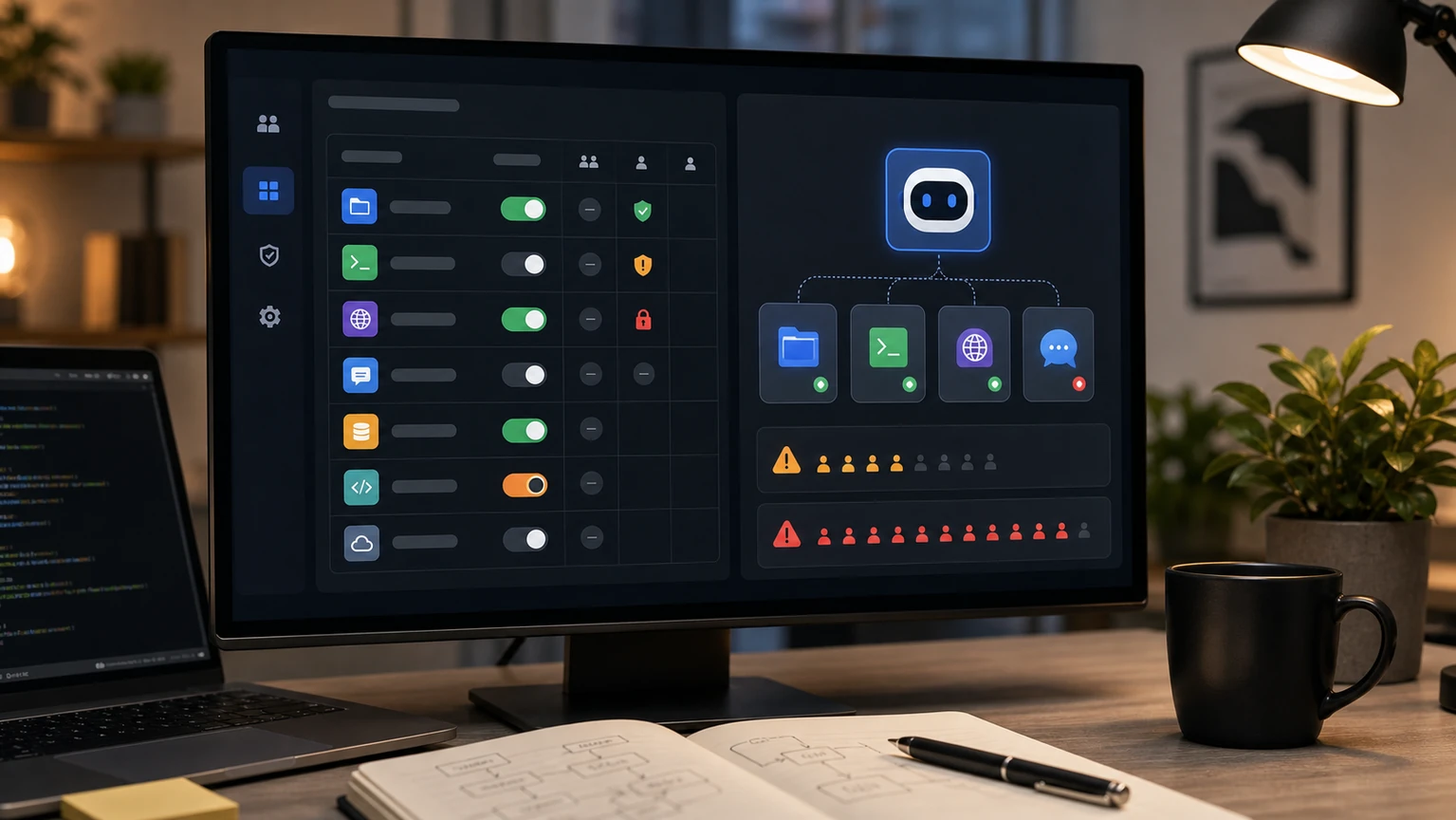
If tools in OpenClaw suddenly decrease, or if the model always sees a bunch of tools you shouldn't use, prioritize checking 'tools.profile' and don't switch models first. The official troubleshooting document divides tool profiles into usage levels like 'messaging', 'coding', and 'full'. Many of the 'tool missing' issues actually stem from the current agent being placed in a narrower profile.
First, determine which type of anomaly it is
If it can only send and receive messages, cannot read or write files, and cannot execute commands, it is mostly at the 'messaging' level; If you can modify the code but don't have a browser, desktop, or external connection tools, it might be 'coding'; If the tool list is very long, causing the model to always select the wrong tool, usually when it reaches 'full', or a plugin has added the tool all at once.
What you really need to avoid is "opening everything for convenience." The more tools there are, the higher the cost of model selection and the more error calls there are. For daily remote chatting, status checks, and file sending, using a lightweight profile is more stable; Let it maintain projects, run tests, revise code, and then provide coding tools; It only expands temporarily when it clearly requires browser, desktop, or system commands.
Recommended examination sequence
First, run 'openclaw status --all' to check the current exposure of agents, gateways, and tools, then use 'openclaw doctor' to troubleshoot installation issues. Next, check if there are settings like 'agents.list[].tools' in the configuration, which overwrite by agents: Global profile is correct, but it doesn't mean a particular agent hasn't been narrowed individually.
If you only want to solve the problem of "not being able to call a tool in a certain group," don't change the global configuration. First, locate the channel, account, agent, and sessionKey actually bound to that group. Correcting the wrong level can suddenly introduce dangerous tools to another channel. The prudent approach is to narrow the gap first, then loosen items one by one, rather than opening it all at once.