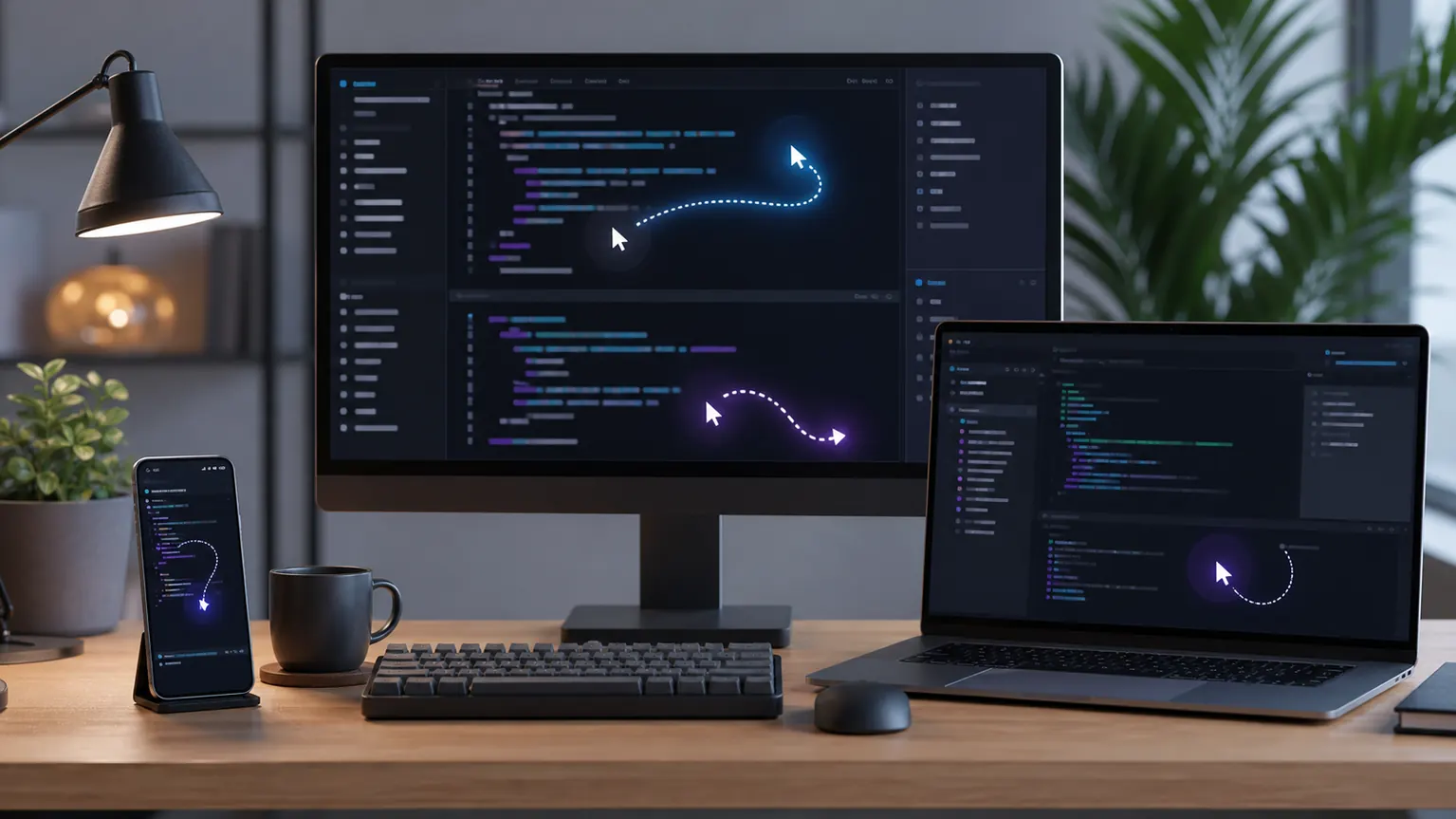
On June 1, 2026, the ChatGPT Release Notes from the OpenAI Help Center still show as recent updates. The May 29 entry states: Codex now supports Windows Computer Use in the Codex app. Eligible users can let Codex view, click, and enter Windows applications to test, debug, and refine projects under construction.
This is not an ordinary "coding ability" upgrade
Past AI programming tools mainly focused on code editors, terminals, and warehouse contexts. The significance of Windows Computer Use lies in the fact that the proxy begins to enter the real desktop environment: it can see application status, click buttons, input content, and form a more complete debugging loop between local project files, shells, application servers, and browsers.
Such capabilities are especially important for frontends, desktop applications, data tools, and internal systems. Many problems can't be explained clearly by code snippets, but actually appear in real interfaces: misaligned buttons, blocked pop-ups, forms unable to submit, local services freezing, inconsistent debugging window states. Enabling Codex to operate Windows applications is like extending "looking at code" to "seeing the results."
Cross-end remote control changes the way you collaborate
The same OpenAI update also mentioned that users can start a work on a Windows machine, then use ChatGPT on iOS, Android, or Mac with Codex to check progress, continue threads, respond to prompts, and adjust direction; Windows machines continue to serve as hosts for project files, shells, application servers, and local contexts.
This indicates that AI programming agents are shifting from standalone assistants to continuously operating collaborators. After leaving the desktop, developers don't have to completely interrupt tasks; they can handle approvals, add requests, or correct directions on their phones. It's more like a remote workbench than a one-time code generator.
Affecting objects and boundaries
The first to benefit are developers who frequently require local environments, browser previews, and manual confirmation: independent developers, frontend teams, plugin authors, and internal tools teams will find it easier to incorporate AI agents into their daily workflows. But this also brings new security boundaries, especially since desktop clicks, file access, terminal commands, and remote control permissions must be clearly managed.
OpenAI also notes in its notes that Windows Computer Use will not be available to the European Economic Area, the UK, or Switzerland at launch. For teams, the truly feasible approach is not to immediately let agents take over all operations, but to first configure executable commands, sensitive directories, approval rules, and rollback processes. Once AI programming enters the desktop, efficiency will increase, and permission design must be more meticulous.
Official reference: [OpenAI ChatGPT Release Notes] (https://help.openai.com/en/articles/6825453-chatgpt-release-notes)