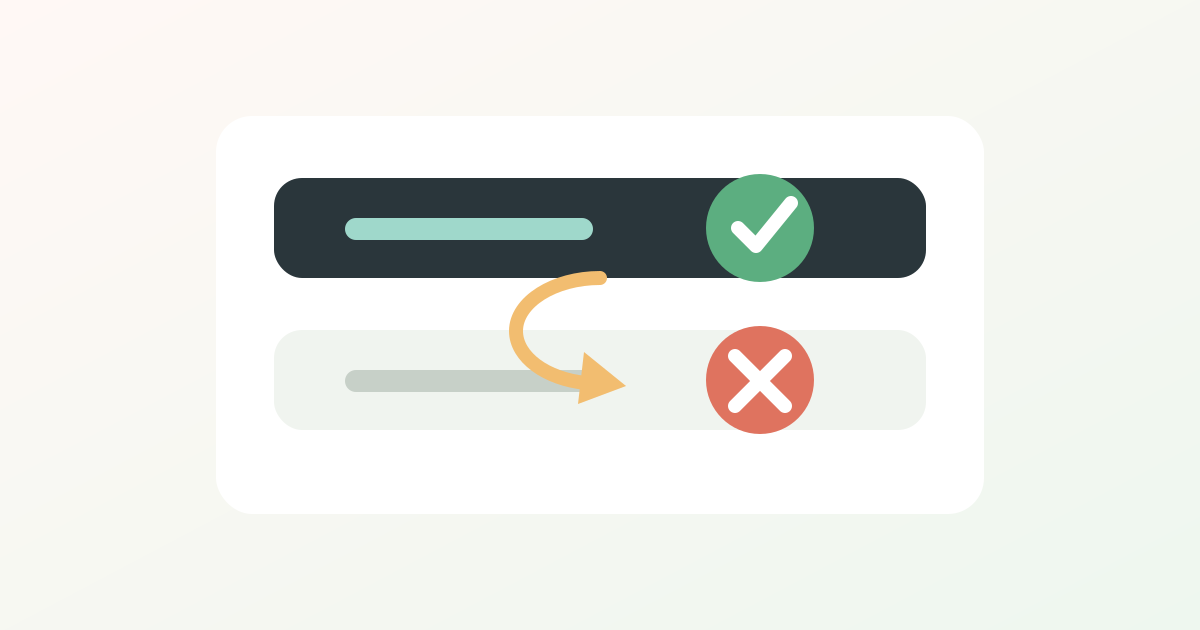
After entering the /yolo, Hermes Agent still needs to approve the command, first confirming the version and session source. The official v0.15.1 on May 29, 2026 fixed a key point: when /yolo is enabled midway, approval bypassing for the current session is enabled, not just changing environment variables. In older versions, running agents might have already snapped environment variables, so it seems that even if you enable /yolo, approval will still be triggered.
First, decide which type of release you want
| Method | Suitable for the scene | Points to note |
|---|---|---|
hermes --yolo | Automation is determined at startup | Only affects the session that starts this time |
/yolo | Temporarily switch during dialogue | Each input is a switch, not permanently on |
HERMES_YOLO_MODE=1 | Script or container environment | Make sure the process is injected before starting |
approvals.mode: off | Controlled CI or sandbox | The highest risk is the most suitable for personal servers to keep running continuously |
Actual inspection steps
- First, upgrade to v0.15.1, then run a new Hermes session for testing.
- After entering
/yolo, confirm whether the status bar or prompt shows whether it is enabled. - If triggered by gateways, crons, or external scripts, confirm whether they are reusing old processes.
- If approval is still required, check if the
~/.hermes/config.yamlhas stricter approval policies or hard blocking rules.
It's important to note that YOLO is not a switch to "make Hermes smarter"; it simply reduces the danger of order confirmation. It is suitable for disposable containers, CI, and controlled scripts, and is not suitable for long-term operation directly on personal computers or production servers. If you really want to be unattended, it's best to first place the workspace in isolated backends like Docker, Modal, or Daytona, and then consider relaxing approvals.
In short: Temporary confirmation is /yolo, automated startup uses --yolo, long-term strategy is adjusted for configuration; If the command might delete the library, delete files, or change permissions, it's better to double-check.