In Coze's local deployment, the most angry thing is often not that the model can't run, but that the login and registration points don't respond for a long time. There are many such problems in the public community, and the real reason is usually not mysterious, but more of it is that the front-end access address, container port, reverse proxy and other places are not aligned. Coze Studio's official open-source repository is https://github.com/coze-dev/coze-studio, and the official README also shows the default access portal and Docker startup method.
If you encounter a page that opens, but the login registration button seems to be malfunctioning, don't rush to reinstall it yet. Many times it's just that the request is hit to the wrong port, or interfaces like '/api/passport/...' aren't forwarded correctly and the page looks like it's "unresponsive".
Let's look at the two most common points first
The first is the port mapping of 'coze-web'. A typical way to deal with it in the community is to change the web port in 'docker-compose.yml' directly to '8888:80' and then restart it. The second is the proxy configuration in 'default.conf', if the front-end request is treated as a static page, a 404 or idle will appear after the button is clicked, but the browser may not immediately report an error on the surface.
Why does it look like "button is broken"
Because the front-end component itself is most likely still there, but the request it sent did not go to the correct back-end path. What you see on the page is a form, but what the browser receives behind it may be a 404 page, a jump page, or even a default response from a static site. For the user, it is just clicking and not responding, and for the system, it is actually a wrong path.
- First, check the network in the browser developer tools to see if a registration request has been sent.
- See if there is a 404 in the 'coze-web' log or if the path cannot be found.
- If you have changed your domain, port, or reverse generation, check these changes first rather than doubting your account system first.
How to deal with it in the community
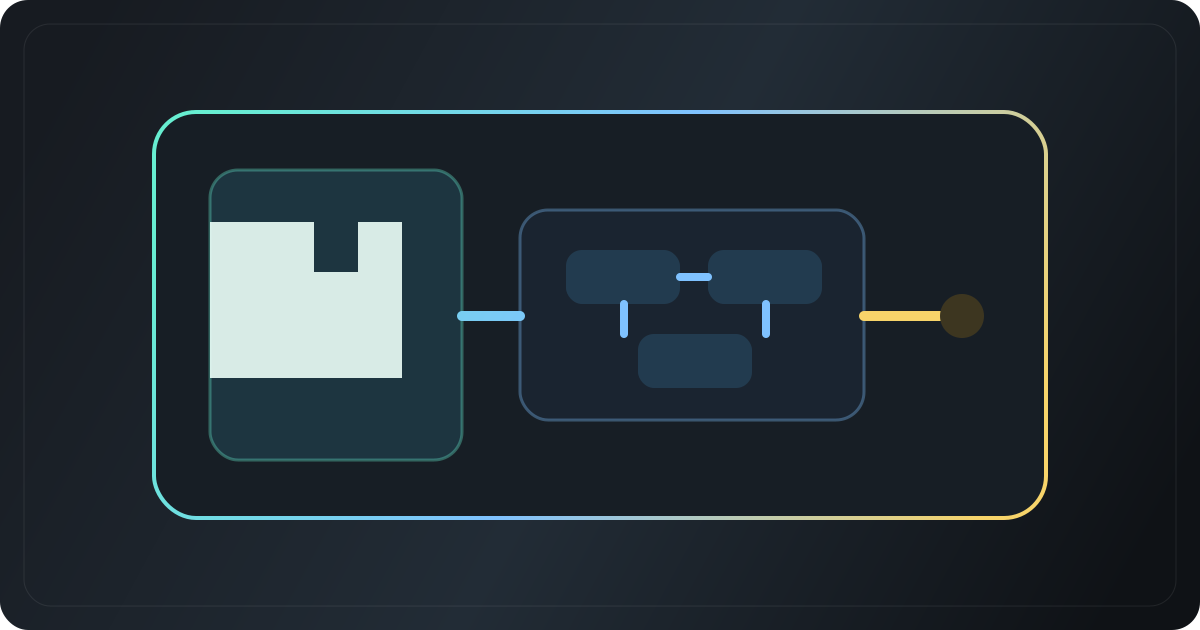
The most common approach is not to "fix the button", but to realign the access links: the address accessed by the browser, the port of 'coze-web', the interface entry of 'coze-server', the proxy rules of Nginx, ideally all back to the same logic. Many people change 'ports' and the problem disappears, indicating that the root cause is that the request is not in the correct service.
If you change the port and it still doesn't work, continue to check the 'WEB_LISTEN', reverse proxy, and front-end static resource paths. This issue is recurring in public issues, and the approach is the same: let the request actually reach the service first, and then talk about the login registration itself.
One sentence conclusion
Coze login and registration points are unresponsive, usually not because the account function is broken, but because the local port, reverse generation, or request path is not connected. Straighten out the request link first, and many "button failure" problems will disappear by themselves.