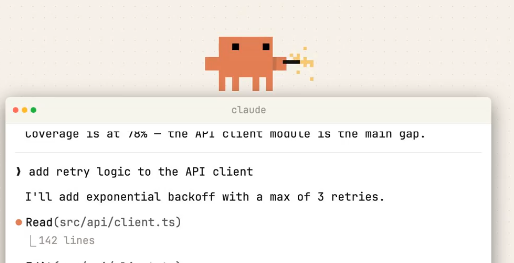
Claude Codeis online in the terminalNO_FLICKER mode. According to the newly released instructions, this is a new set of experimental renderers with a straightforward goal: reducing the flicker of the terminal interface and improving the continuous interaction experience of code agents on the command line. It also supports mouse events, which are not common in terminal products.
The new renderer first solves the interactive experience
Judging from the disclosed information, the NO_FLICKER mode is not a functional expansion, but a reconstruction of the underlying display layer. Developers can directly open it through the environment variable The official also emphasized that this renderer is still in its early stages and there are trade-offs. However, feedback from internal users has been biased towards the new solution, indicating that the focus of Claude Code's optimization is shifting from "whether it can be used" to "whether it is convenient." Claude Code is competing for terminal entry Terminal is one of the developer's most frequent work interfaces, flashing, redrawing lag, input interruption, will directly enlarge the use of friction. NO_FLICKER pattern is worth it here. It doesn't necessarily lead to greater code generation immediately, but it may improve stability over long conversations. For terminal AI agents like Claude Code, the rendering experience itself is part of the product power. This reflects a trend: AI programming tools are transforming terminals from "command input boxes" to "smart workstations." Whoever can provide speed, stability and low-interference experience in the terminal will have a better chance to occupy the developer's daily entrance. At present, NO_FLICKER is only an experimental function, but the direction is clear: the next round of competition for AI coding products depends not only on model output, but also on whether the interactive system is close enough to the real development process.CLAUDE_CODE_NO_FLICKER=1 claude. The threshold is very low, which is obviously encouraging more real-life scenario testing.This round of competition for AI coding assistants, on the surface, it is often the interaction details that really open up the gap.
Mouse support releases more terminal gameplay
What is more noteworthy is mouse event support. Traditional terminal interactions mainly rely on the keyboard. With the addition of mouse capabilities, interactions such as selection, clicking, and panel switching can become more natural, and also leave room for more complex interface designs.