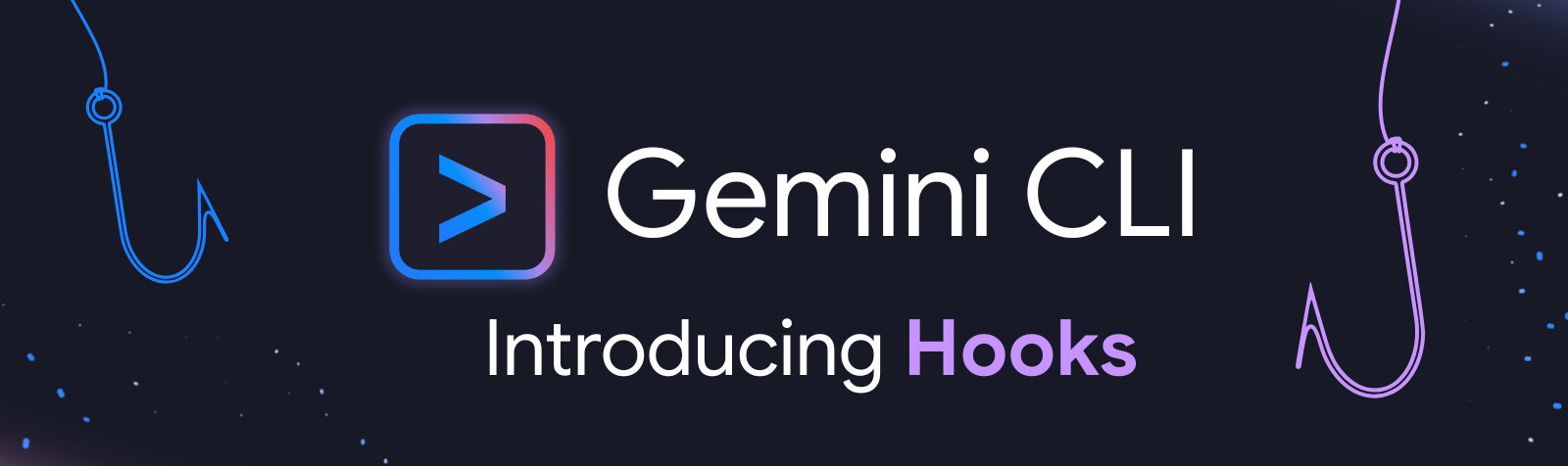
Google Developers Blog introduces the new Hooks mechanism of Gemini CLI, which can run scripts synchronously on the preset nodes of the proxy loop without changing the CLI source code, and realize customization capabilities such as injecting project context, blocking high-risk operations, and recording and optimizing tool calls. Example scenarios include scanning sensitive information such as suspected API keys, passwords, etc., and blocking actions before writing or replacing files.
When Hooks are triggered, the CLI waits for the script to return a structured JSON decision; Configure writable project-level .gemini/settings.json or user-level ~/.gemini/settings.json, and can be viewed and switched through /hooks. This feature is enabled by default in Gemini CLI v0.26.0 and above, and the extension supports packaging Hooks with the extension, lowering the installation and configuration threshold. It is important to note that Hooks are executed with current user permissions, and project-level Hooks should be carefully enabled when opening untrusted projects and pay attention to change prompts.
FAQs
Q: What is the Hooks hook mechanism of the Gemini CLI?
A: Hooks are scripts executed at specific nodes in the proxy loop to change or constrain CLI behavior without changing the source code.
Q: How do Gemini CLI hooks be configured and effective?
A: You can configure .gemini/settings.json or ~/.gemini/settings.json to execute and return JSON decisions synchronously when an event is triggered.
Q: What are the common risks of Gemini CLI Hooks?
A: Hooks run with user permissions, and project-level hooks for untrusted projects may pose security and compliance risks.