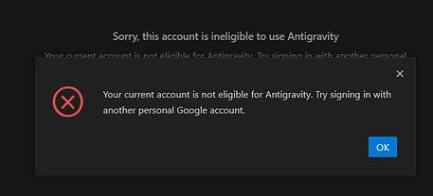
The latest Antigravity not working? If the login is unsuccessful, it is actually very simple, if there is no problem with the ladder, you can modify the request to change the region associated with your account
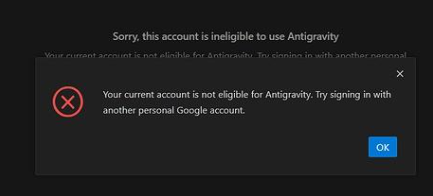
Your current account is not eligible for Antigravity. Try signing in with another personal Google account.
Your current account is not eligible for Antigravity, because it is not currently available in your location
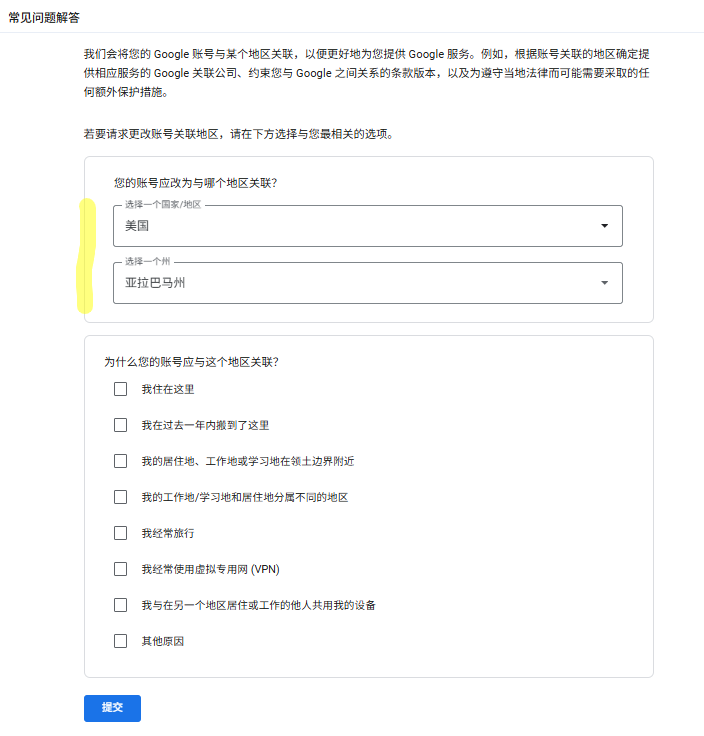
The first step is to access the address to modify to a supported region, click Submit, and wait for the email notification of approval, and you are expected to receive the review result in about an hour
https://policies.google.com/u/1/country-association-form?pli=1
Step 2; After receiving the approved results, you can log in directly with this account
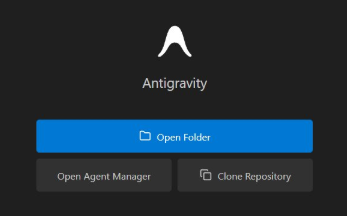
Note: If you cannot log in after the account is modified, remember to turn on the global mode (open global + TUN mode) for the agent.