1. Product positioning
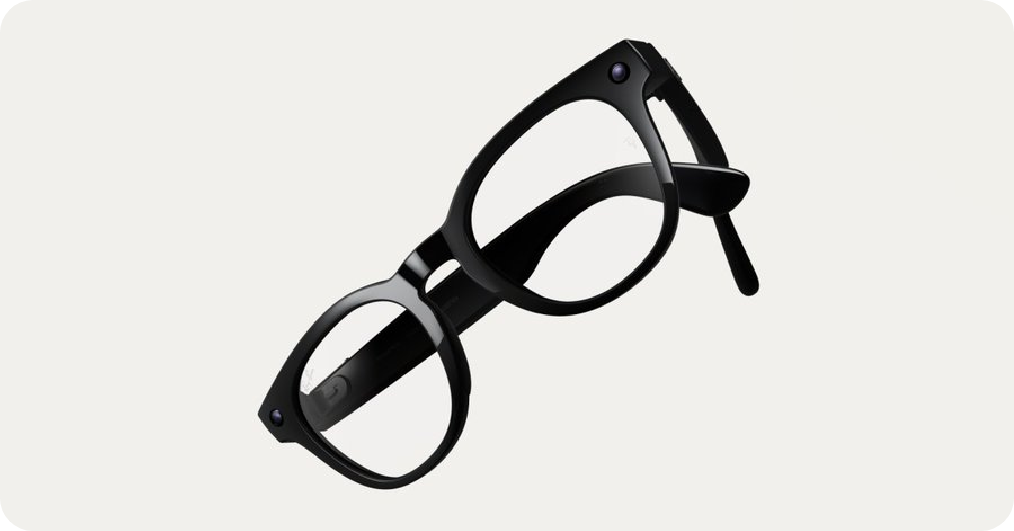
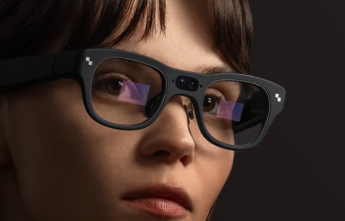
RayNeo currently promotes two routes: the Air series is more like a portable large screen, projecting the screen of a mobile phone or game console into the glasses; X3 Pro is an AI+AR smart glasses that emphasize the display of information on the lens and the ability to cooperate with voice and application capabilities, making it suitable for more "independent use" scenarios.
2. Core model highlights
The Air 3s focuses on cost-effectiveness, with a 201-inch virtual large screen, 1080P, 120Hz, and a 650 nits brightness and a 76g lightweight body. The significance for users is that watching movies and handheld machines is more immersive, the picture is smoother, and the burden of wearing it for a long time is smaller.
The Air 3s Pro mainly upgrades the brightness to 1200 nits, which is also 1080P and 120Hz, which is suitable for brighter environments or those who are more concerned about the transparency of the picture. The meaning for users is that it is less likely to turn gray during the day or in scenes with complex lighting.
The Air 2s is even cheaper, also offering a 201-inch virtual screen with 120Hz and a brightness of 600 nits, making it suitable for budget-conscious people who primarily use indoors.
3. Accessories and compatibility points
The Air series is usually connected via USB-C, and the key is that your device supports video output capabilities. Most iPhones require a transfer plan; Your console and PC may also require an HDMI adapter or docking station-like accessory. The X3 Pro is more "doing things directly on the glasses", and its core selling points include binocular full-color MicroLED, up to 6000 nits brightness, Snapdragon AR1 platform and about 76g body, which is suitable for users with stronger needs for translation, prompt messages, light office and portable AI interaction.
Q&A Frequently Asked Questions
Q1: Can the Air series be directly connected to the iPhone?
A: A transfer plan is usually required, so confirm your iPhone model and required adapter before purchasing.
Q2: What should I do if I want to connect to Switch or PS5?
A: Generally implemented by HDMI adapter; Some sets or accessories are used to improve the convenience of connection to the handheld, suitable for people who often go out to play with the console.
Q3: Which one should I choose, Air 3s or Air 3s Pro?
A: Air 3s is more often preferred indoors or on a budget; I am more concerned about the look and feel in strong light environments, and I want to be brighter and more transparent, so I chose the Air 3s Pro.
Q4: What is the essence of the difference between the X3 Pro and the Air series?
A: The Air series is an external display, and the experience depends on the device you are connecting; The X3 Pro is more like a smart terminal with display and interaction, suitable for everyday scenarios that require information prompts and AI assistance.